How to open a case on DatDrop
A DatDrop case contains a set of possible items, with an opening price and drop probabilities. Before a standard opening, check the contents, the number of cases and the full cost.
- Choose a case and check its contents.Find the possible items, wear levels and drop chances on the case page. The skin on the cover is only one possible outcome.
- Check the price and quantity.Check the price of one opening. If you select several cases, check the total before confirming.
- Open the case.A paid opening requires an account and an available DatDrop balance. After confirmation, the site determines a random result using that case’s probabilities.
- Review the result.Check the item name, variant and DatDrop value. A standard opening gives you your own result; battles distribute prizes according to their mode rules.
How to read Case Details
The English case page includes a Case Details section explaining the opening price and the statistics.
- Full opening price
- The commission listed in this section is already included in the price.
- Item variants
- Different wear levels and StatTrak™ versions count separately. The variant count is not a count of distinct finish designs.
- Chance of a profitable drop
- The share of outcomes where the item’s DatDrop value exceeds the full opening price. It is not the average return across all openings.
How the game modes differ
| Mode | What happens |
|---|---|
| Cases | Open a selected case and receive a random item from its contents. |
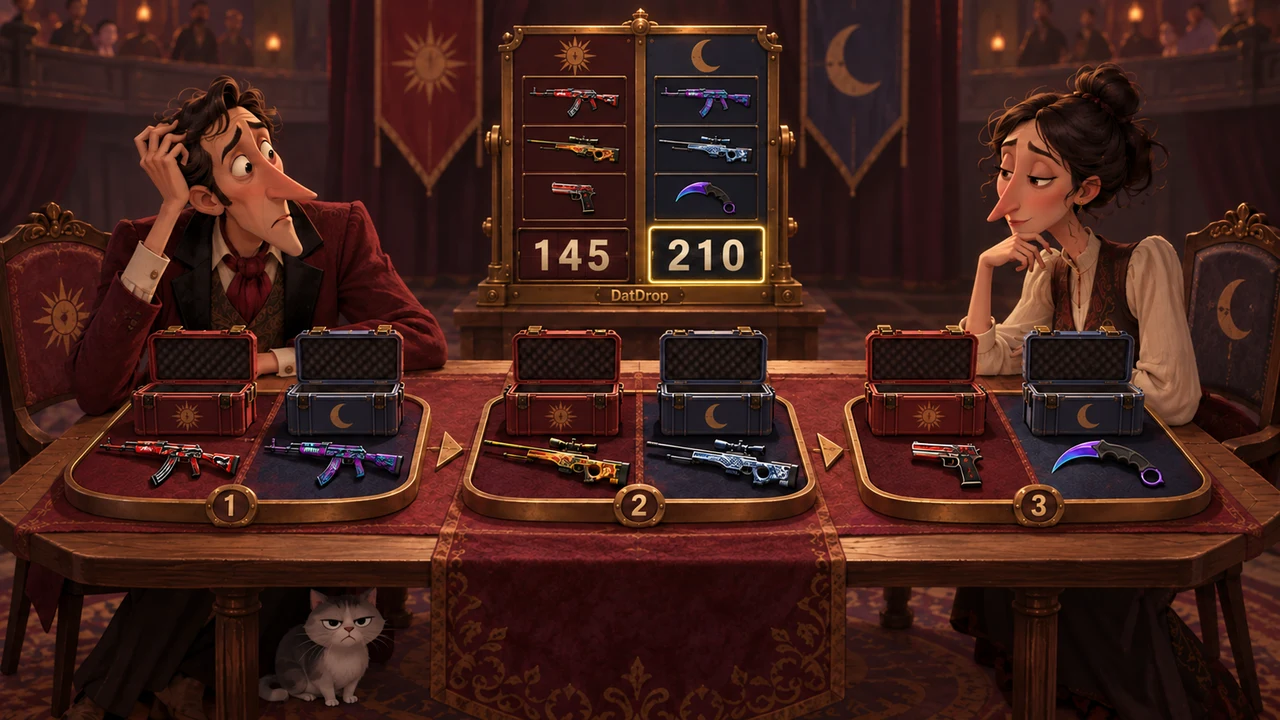
| Case Battles | Players open the same cases. The battle modes determine the winner and how the prize is shared. |
| Battle Royale | A case-opening tournament: match winners advance and the others are eliminated. The mode determines how skins are distributed. |
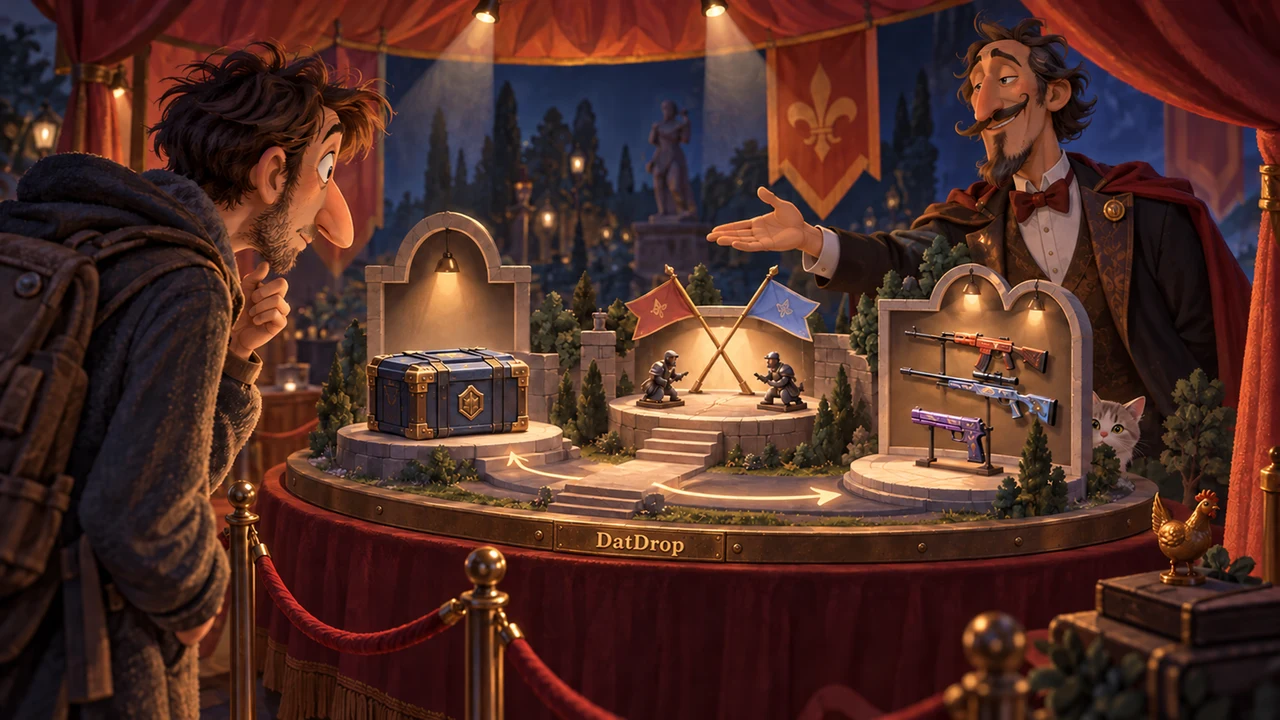
| RPS | Choose rock, paper or scissors. The figures move automatically; the player whose figures remain on the field wins the regular case drops. |
| Upgrade | Use balance or items to try for a target skin at the displayed success probability. If the attempt fails, you lose the items or balance used for it. |
How to receive a skin in your Steam inventory
A DatDrop result does not transfer to Steam automatically. The value of the items you select from your DatDrop inventory sets your withdrawal budget. You use that budget to choose an available skin. It does not have to match the item shown in your opening result.
To receive the selected skin, you need an up-to-date Steam Trade URL and an account able to accept trades. Check the item and offer details before confirming. Follow our skin withdrawal guide for the steps.
An item’s DatDrop value may differ from its Steam Community Market price.
How to try DatDrop without a deposit
The Simulator lets you explore the mechanics with a virtual balance. Simulator items cannot be withdrawn to Steam, and simulated results do not predict paid openings.
Free cases and the welcome case have their own conditions. See our guide to free CS2 skins and DatDrop rewards.
Open the DatDrop simulatorWhat to know before taking part
Before taking part, check the age and country requirements, deposit terms and withdrawal conditions. The item you receive may be worth less than the opening price. Provably Fair lets you check the result calculation; it does not guarantee a profit.
Useful guides
- Depositing on DatDropPayment methods and what to check before paying.
- How to inspect a CS2 skinWear, pattern and the details of an individual item.
- CS2 player skin catalogItem variants found in the available player inventories.