DatDrop guides.
CS2 players and skins.
Player settings, their skins and clear DatDrop guides. Compare, calculate and learn through examples.
Independent guide · 18+
What would you like to explore?
Guides and help
Find answers about accounts, balances, Steam and result verification.
DatDrop games
Understand mode rules through animated examples.
CS2 players and settings
Find a profile, compare settings and convert sensitivity to your DPI.
CS2 skins and inventories
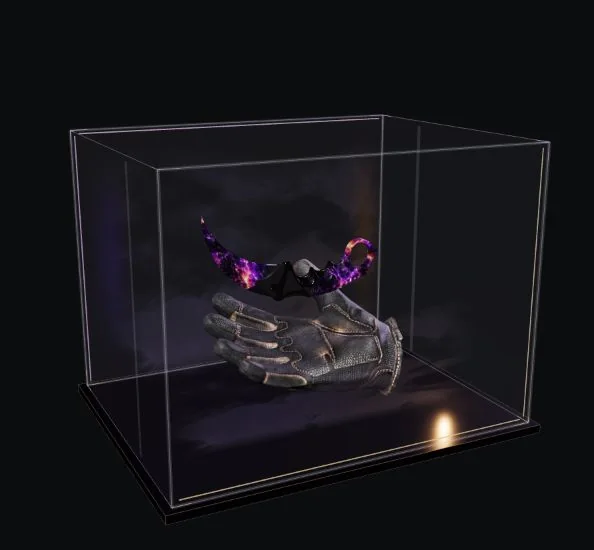
Explore items and see which players they were found with.
From pro settings to your setup
Open a profile or compare several players. Different DPI and sensitivity combinations can produce the same eDPI.



Sensitivity for your DPI
Player eDPI: 1000
Match the player’s mouse turning sensitivity at your own DPI. Other settings and how it feels may differ.
Understand DPI and eDPI ↗Which CS2 pro players have this skin?
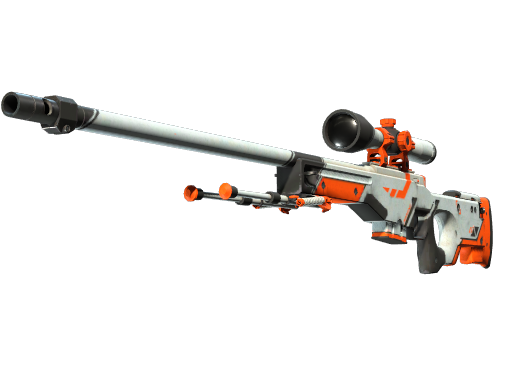
Choose a skin to see who has it and in which variants. Items come from the player inventories we have collected.






Understand DatDrop game rules in action
See what happens in a round and why it ends with that result.
How CS2 case opening works
Opening a case produces a random item. The example explains contents, probabilities and the result.
How it worksHow CS2 case battles work
Participants open cases in rounds. See how the mode rules determine the winner.
How it worksHow CS2 skin upgrades work
An input item is used in an attempt to obtain another. Explore the success probability and possible outcomes.
How it worksStart demonstrations in Games and follow the results step by step. You will also find instructions for the official simulator.
Explore animated examplesHelp with Steam and DatDrop
Find your Steam Trade URL
Where to find your trade link and what to check before withdrawing.
Understand a trade restriction
Account restrictions, trade holds and Trade Protected explained.
Check a Provably Fair result
Which data to compare and what a match means.
Quick answers
What does equal eDPI mean?
With standard CS2 yaw, equal eDPI means the same turn for the same mouse movement, even with different DPI and sensitivity. Equipment and habits still affect how it feels.
Does the catalog include every player inventory?
No. It is based on collected data from available inventories. Items may have been traded or sold since collection; inventory ownership does not confirm use in matches.
How do demonstrations differ from real games?
Demonstrations play prepared examples to explain rules. There are no deposits or withdrawable items, and they cannot predict a real round.
About Drop Guide
An independent reference for DatDrop and CS2: clear explanations, player profiles and comparison tools. We are not DatDrop or Valve.
About the project