Contact
Questions about our articles, ideas or collaboration? Email the Drop Guide editorial team.
Support the site
If our articles help you, you can support the development of Drop Guide. Support is optional; reading never requires a contribution.
With Binance Pay
Choose the coin and amount in Binance. No address copying or network selection needed.
RecipientUser-426fb
Open the Binance Pay scanner on your phone and scan the QR code.
Open in BinanceBefore sending, check the recipient: User-426fb.
For users with access to Binance Pay.

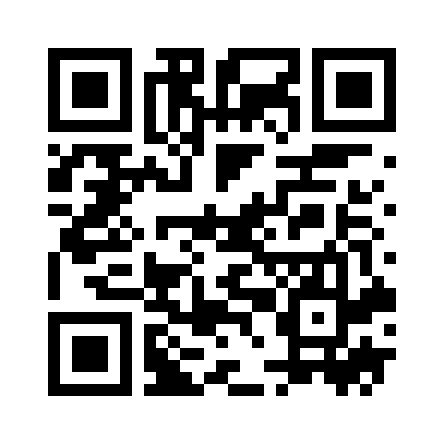
Open Binance Pay, choose a coin and amount, check the recipient and confirm the transfer.
Send from another crypto wallet
Choose a coin and network
Choose the same coin and network you use in your wallet.
USDTTRON (TRC20)
Send only USDT using the TRON (TRC20) network.

Next, in your wallet
- Tap “Send” or “Withdraw”, then choose USDT and the TRON (TRC20) network.
- Paste the address, enter any amount and check the details before confirming. Your wallet will show the network fee.
The QR code contains the address. Select the TRON (TRC20) network separately in your wallet.
No crypto wallet?
This option is for cryptocurrency transfers. If you do not have any, sharing a useful article is another way to support us.