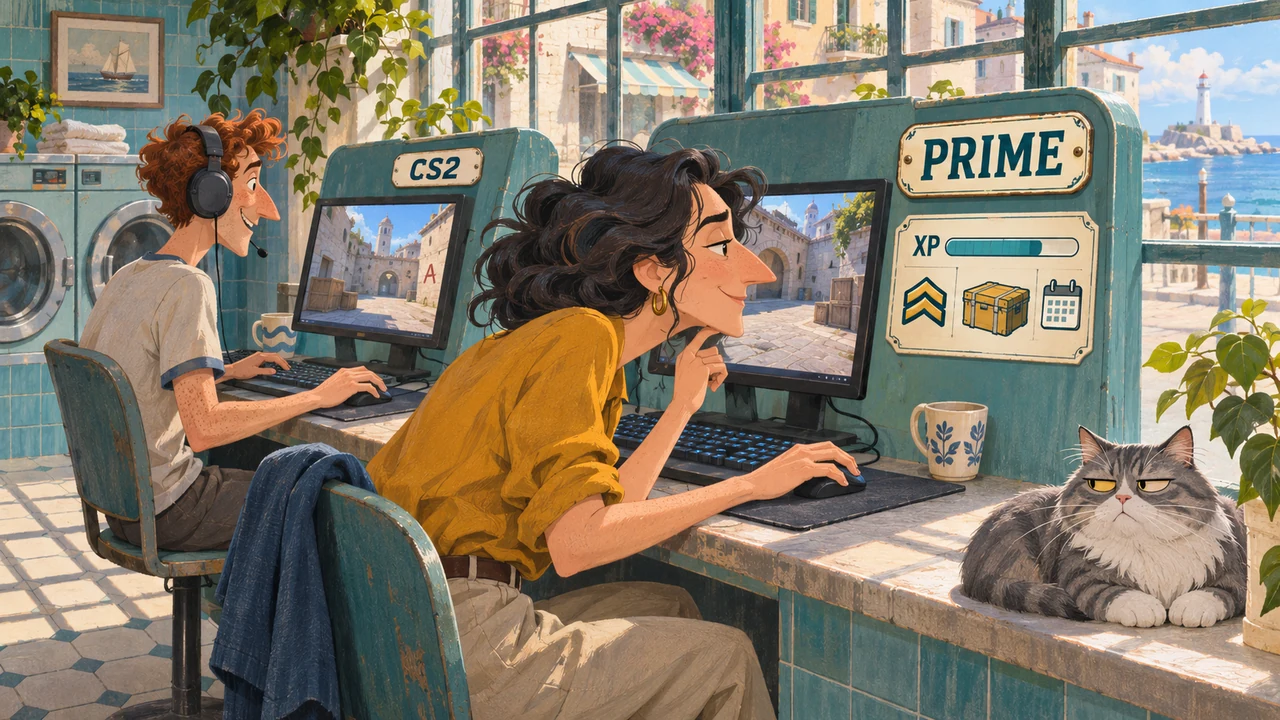
What buying Prime changes
| Feature | Without Prime | With Prime |
|---|---|---|
| Casual, Deathmatch and other available standard modes | Playable | Playable |
| Competitive | Playable without earning an official Skill Group | You can earn a Skill Group |
| Wingman, 2v2 | Playable without earning an official Skill Group | Ranked progression is available |
| Premier | Unavailable | Also requires Profile Level 10 |
| Numerical CS Rating | Unavailable | Can be earned through Premier |
| Profile XP | Not earned | Can be earned |
| Service Medal | Cannot be earned | Can be earned by meeting the progression requirements |
| Weekly Care Package | Unavailable | Available when you meet the reward requirements |
| Matchmaking exclusively with Prime players | Unavailable | Applies unless your party mixes Prime and non-Prime accounts |
This table compares account access. It does not promise that every queue is available at every moment: technical restrictions, matchmaking cooldowns and individual queue requirements still apply.
The purchase does not immediately award a Skill Group or CS Rating. It makes the relevant progression available. You still need to play and meet the in-game requirements.
Can you play Competitive without Prime?
Yes. Steam's current FAQ gives free players access to all game modes and matchmaking types except Premier. The claim that a non-Prime account can only play Casual is incorrect.
The important limitation is progression: free Competitive matches do not award an official Skill Group. You can learn site attacks, play both sides and practise trading kills, but that activity will not produce a Silver or higher Skill Group on your account.
The same distinction matters in Wingman. Playing a match and earning a rank are separate permissions. Free access is enough to try the format with a friend; Prime is required if you want official ranked progression.
Be careful with old CS:GO instructions. Menus, queues and access rules have changed. A guide promising free Prime at Profile Level 21 describes an old system, not a current route to the upgrade.
Why Premier may remain locked after you buy Prime
Premier requires both Prime and CS2 Profile Level 10. Your Steam account level, games owned, hours played and FACEIT level do not replace that requirement.
What Premier requires
Find your situation
- No Prime
- Premier is unavailable.
- Prime + CS2 profile below level 10
- Raise your CS2 profile level first.
- Prime + CS2 profile level 10 or higher
- Both requirements are met.
Steam account level does not replace CS2 profile level. Cooldowns and other restrictions still apply.
If you bought Prime but cannot enter Premier:
- Check that you are using the Steam account that received the purchase.
- Check your CS2 profile level specifically. If it is below 10, earn profile XP in available official modes.
- Read the message in the Premier menu. Buying Prime again will not remove a cooldown or another restriction.
- If the purchase completed but Prime did not activate, check your purchase history and contact Steam Support with that transaction's details.
CS Rating is Premier's numerical performance rating. A Competitive Skill Group belongs to a different ranking system. Profile level tracks account progression and is part of Premier eligibility. These are three different measures; a high value in one does not automatically give you a high value in the others.
For example, a new Prime account at Profile Level 3 does not yet meet Premier's requirements. A Prime account at level 10 meets those two requirements, but this alone does not mean the player already has a CS Rating.
What happens when a friend without Prime joins your party?
Prime and non-Prime players can form a party for modes available to everyone in it. However, the entire mixed party is treated as non-Prime for matchmaking. Your friend does not inherit your status.
This can explain why you encounter non-Prime accounts after buying Prime: check who is in your party. Having Prime yourself does not make a mixed lobby eligible for Prime-only matchmaking.
That party cannot enter Premier unless every player has Prime and meets its other requirements. Choose a mode both of you can access when introducing a friend to the game. For Prime-only matchmaking, everyone in the party needs Prime.
Weekly rewards, XP and Service Medals
Prime makes you eligible for weekly item rewards. The Care Package is tied to your first XP level-up of the week, rather than simply leaving the game running. Buying the upgrade does not immediately award items, and it does not create a reward payment after every match. Without Prime, you cannot earn profile XP in any mode or on any server.
Do not confuse an XP level-up with an improved Competitive Skill Group or a higher CS Rating. A Premier win that changes your rating and an increase in profile level are different events.
Our guide to free CS2 skins and weekly drops explains the item rewards. Use it if you already have Prime and need to understand reward progress or the difference between receiving a case and receiving a skin.
Do not buy Prime solely because somebody promises it will quickly pay for itself. The outcome depends on the items received and the price at which they actually sell. A listing price is not money already credited to your Wallet: the sale and fees matter. Our Steam skin-selling guide explains that distinction.
A Service Medal is not included as a ready-made reward either. Prime lets you earn the required profile progress. It does not replace playing or award medals for years you missed.
Prime, case opening and trading have different requirements
Prime is required for weekly rewards, but buying the status does not buy a case or a key. Receiving a container, opening it in CS2 and receiving a skin through a trade are separate actions.
| What you want to do | What determines access |
|---|---|
| Receive a weekly care package in CS2 | Prime and the weekly reward conditions explained above |
| Open a normal locked weapon case in-game | The container, a matching key and availability of the action for the account; Prime does not replace these items |
| Buy an item on the Steam Community Market | Market access rules and account restrictions |
| Receive a skin from another account | Steam trading rules, offer status and item restrictions |
Can an existing case be opened without Prime?
Steam's Prime FAQ explicitly requires the status for weekly care packages, but does not directly answer whether an already owned case can be opened on a non-Prime account. We have not tested that opening on a non-Prime account and therefore make no unconditional promise.
Do not buy Prime solely because a container will not open. First check whether you have a compatible key and read the message in CS2. Cases, capsules and other containers should not be treated as one type with identical conditions. Receiving a case does not mean opening it is free.
The confirmed list of Prime benefits does not include a greater chance of an expensive drop. Buying the status for better opening odds is not supported by that FAQ.
Is Prime required for a browser service?
Valve's weekly drops and an opening result on a third-party website belong to different systems. The checked DatDrop rules do not list Prime as a requirement for opening on the site. This is an observation about that service, not a rule for every platform.
If a skin is subsequently transferred to Steam, trade restrictions apply separately. Having Prime does not by itself establish that a transfer is allowed or complete. Check the offer's status in Steam: a result on the site and a completed trade are different stages.
Why is the Steam Market still locked after buying Prime?
The Market has its own conditions. These include Steam Guard enabled for at least 15 days and a qualifying successful purchase more than 7 days but no more than a year old. Other restrictions exist; Steam generally displays the reason when you attempt an action.
A new Prime purchase therefore does not immediately unlock all trading or remove trade bans. If the message specifies a protection period, an item's availability date or another restriction, follow that reason. Buying the status again does not remove it.
How to buy Prime on the correct account
The official options are an in-game purchase or Prime Status Upgrade on Counter-Strike 2's Steam store page. Check the account, product name, price and currency before paying.
- Sign in to your main Steam account and open CS2 or its store page.
- Find Prime Status Upgrade. Installing the free base game does not purchase Prime.
- Read the purchase contents and refund notice. The checked Steam page marks this product as non-refundable; do not assume the usual two-hour, two-week refund conditions automatically apply to this upgrade.
- Complete the purchase using an available payment method, then check the transaction in your purchase history.
- Check your status in-game after activation. You do not need to buy it again if it is already active.
At the time of checking, Prime is sold as a one-time upgrade without monthly renewal. That describes the current product; it is not a promise that Valve will never change the game's rules.
Steam's current FAQ also says Prime cannot currently be removed from an account. Joining a mixed party is different: it changes that party's matchmaking, not the purchased status on your account.
If the upgrade cannot be purchased in your region, a price quoted for another account does not solve that restriction. Check availability in your own Steam store. Buying an existing account with Prime is a different transaction: Steam prohibits account sales and transfers, and the buyer risks losing access.
Can you transfer Prime to another computer or account?
Prime remains available on another computer when you use the same Steam account. It belongs to the account, not to one installation of CS2. Reinstalling the game or changing the phone used for Steam Guard does not require another Prime purchase.
An activated upgrade cannot be moved to another Steam account. Steam does not merge accounts or transfer game licenses between them. Two accounts remain separate even if they share an owner, phone or computer.
Buy Prime on the account you intend to use. Changing your nickname or avatar does not create a different account; signing out and using another Steam login does.
If you are returning after CS:GO, first check the old account's current status. Its age, old playtime or a memory of earning free Prime does not establish its present access. If your purchase history shows the upgrade but the status is missing, contact support instead of paying again on a guess.
Can you get Prime free, and does FACEIT require it?
There is no current free route through playtime or levelling. Valve ended that route in June 2021. The old advice to reach level 21 refers to previous rules.
Third-party platforms have their own conditions. FACEIT's current CS2 registration instructions require Prime to connect the game. Telling a new user to skip Prime and simply switch to FACEIT therefore does not solve the problem. FACEIT also has other requirements; Prime does not replace them or include a paid FACEIT subscription.
Prime is also separate from an Armory Pass or a Major Viewer Pass. Buying one does not mean you own the others.
Does Prime prevent cheaters, and is it worth buying?
Prime changes account access and matchmaking conditions. It does not guarantee cheater-free games, remove bans or promise wins and good teammates. The checked Valve FAQ provides no percentage reduction in cheating from buying Prime; such a figure should not be invented.
Choose according to what you want to do:
- Learn the controls, maps and round structure with friends: start free.
- Earn official ranks, CS Rating and profile progress: you need Prime, plus Profile Level 10 for Premier.
- Connect CS2 to FACEIT: account for its current Prime requirement and its separate platform conditions.
- Get a specific skin: compare buying it with waiting for random rewards. Our Steam skin-buying guide explains how to choose an individual item.
Pay for features you expect to use. Guaranteed payback and permanently clean matchmaking are not verified Prime benefits.