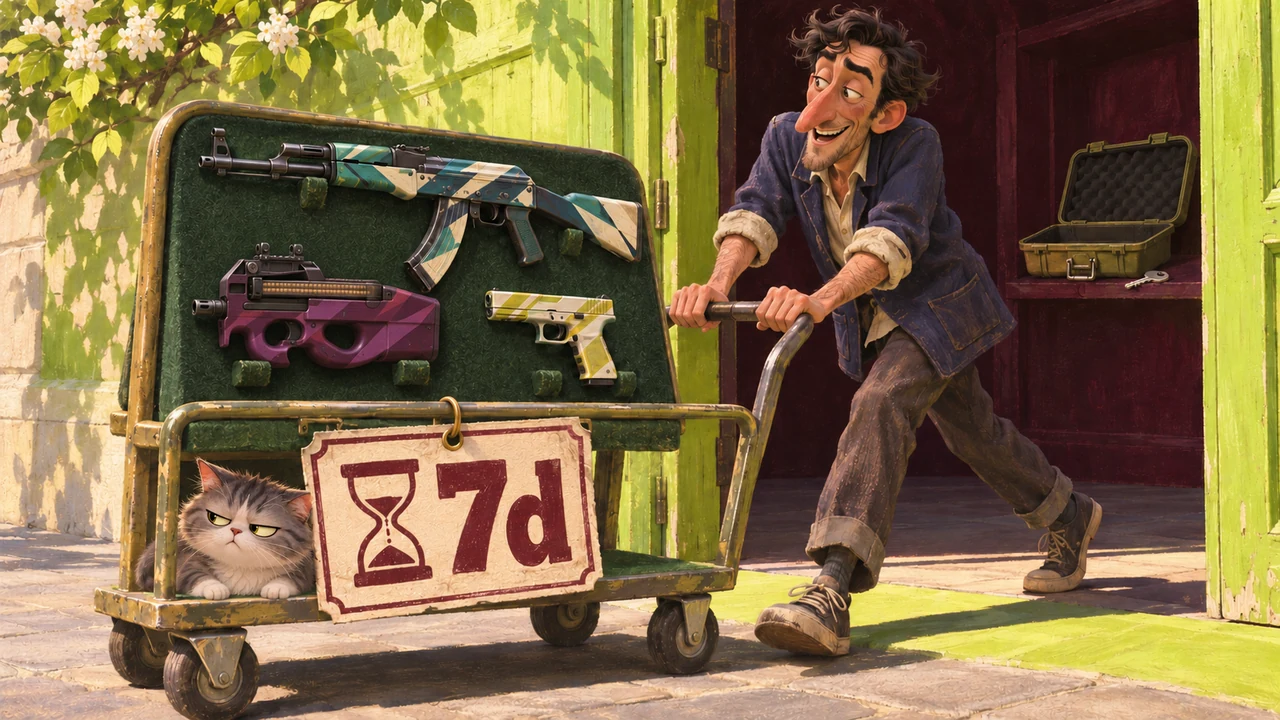
How to choose a case rental
You need a weapon case and its key. Every CS2 weapon case supports rentals; the feature is no longer limited to Kilowatt.
- Open your CS2 inventory and select the case whose skins you want to rent. Check its contents before using the key.
- On the opening screen, choose Open to Rent. Open to Keep is the option for a regular case opening.
- After renting, check the weapons in your in-game inventory. The remaining rental time is shown there too.
Choosing a rental replaces a regular case opening: the case and key give you a temporary set instead of one random item you can keep. The exceedingly rare item in the case is excluded from the rental.
What you can and cannot do with rental skins
| What matters | How case rentals work |
|---|---|
| Matches | You can equip the weapons and use them in every game mode |
| Wear | Randomized; conditions can range from Factory New to Battle-Scarred |
| StatTrak | Rented weapons do not have a counter |
| Stickers and Name Tags | You cannot apply them or modify the rented weapons |
| Selling and trading | Rented weapons cannot be sold on the Community Market or traded |
A rental does not let you choose an exact wear condition in advance. If you want to try a finish specifically in Factory New, the random condition may not suit you. The guide to skin float and wear explains the differences.
What happens to the skins after 7 days
When the rental expires, you can no longer use those rental skins. Any rented weapons you had equipped in your loadout are replaced with their stock versions.
Why rental skins do not appear in your Steam inventory
This is normal for rentals. The weapons appear in the inventory inside CS2, but not in your Counter-Strike 2 inventory on Steam. Their absence from the Steam page alone does not mean the rental failed.
After selecting a rental, open the game and check the items and time remaining there first. Do not consume another case and key just because the Steam inventory does not show the rentals.
What a rental costs and when to buy a skin instead
If you buy a case and key specifically for one rental, add their prices. If you already own the case, you may only need to pay for the key now. The case will still be consumed, even if you received it as a drop.
A rental lets you try the selected case's finishes for a week if random wear is acceptable. For a specific item you want to keep, consider buying a skin on Steam, where you can check its characteristics before paying.
If you are deciding between buying an item and opening a case normally for a random drop, read the comparison of buying skins and opening cases. A rental gives you a temporary set of skins, with no item you can sell afterward.


