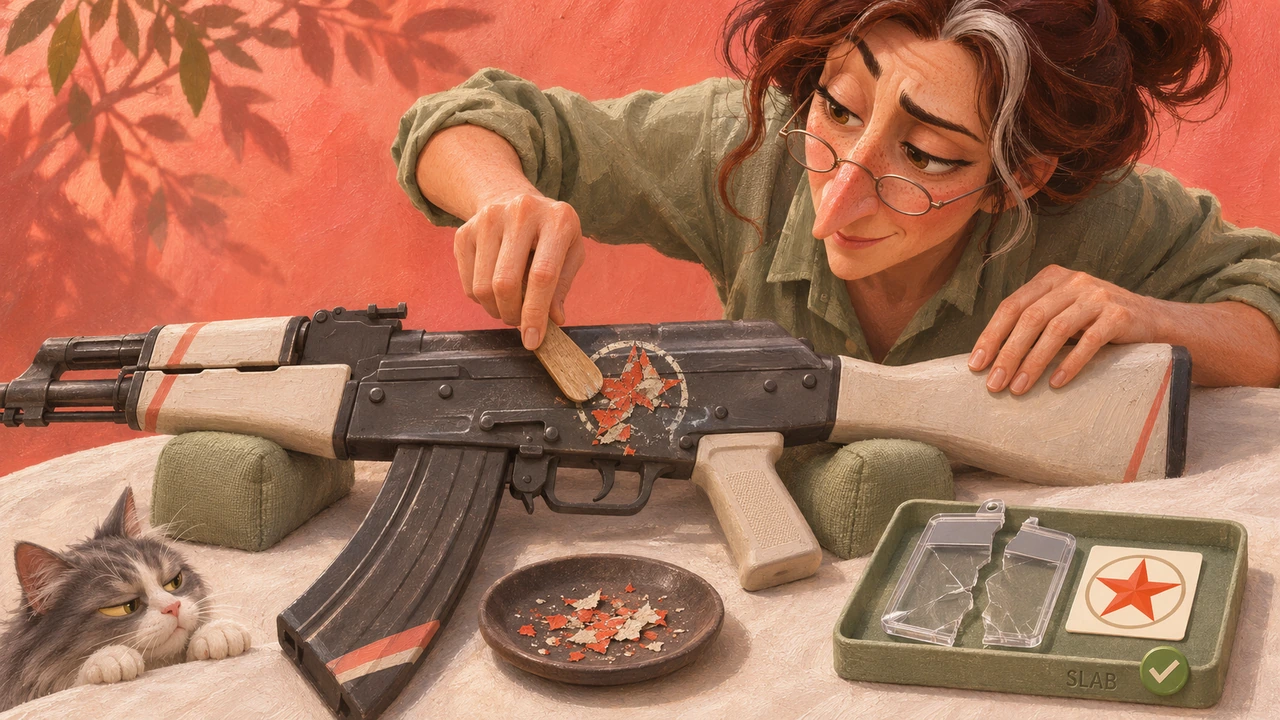
How to remove a regular sticker from a weapon
If you want to keep the sticker, do not start scraping it as an experiment. Scraping is permanent too.
- Open your CS2 inventory and find the weapon with the unwanted sticker. Inspect it first and check exactly which sticker you intend to remove.
- Left-click the weapon and select Scrape Sticker.
- For complete removal, select Remove Sticker. This destroys the sticker; it does not detach it for reuse.
Check the weapon's appearance afterward. No separate sticker item will appear in your inventory.
If the action is missing, first check that you are working with your own weapon in the CS2 inventory. Inspecting a seller's listing lets you check a potential purchase, but it does not let you modify the seller's item.
Applied sticker or Sticker Slab: what can you recover?
| What you have | What removal or extraction does | Does the sticker return to your inventory? |
|---|---|---|
| A regular sticker applied to the weapon's surface | Removing it destroys the sticker | No |
| A sticker sealed inside a Sticker Slab | Breaking the Slab releases the sticker and destroys the Slab | Yes |
A Sticker Slab is a separate charm that holds a sticker. Buying a Slab will not rescue a sticker already stuck to a weapon.
How to scrape a sticker and why an outline can remain
Scraping changes an applied sticker's appearance. Steam's current instructions describe a slider for this. Scraping makes the sticker less vivid, and a heavily scraped sticker may leave only a faint outline.
That outline alone does not mean something is wrong with the game. Use Remove Sticker for complete removal. Do not rely on advice that promises removal after a fixed number of clicks: check the operation offered by your interface.
You cannot restore a scraped sticker's original appearance. If you like the current design or lettering, leave it untouched until you know what result you want.
Can you remove a sticker and keep it?
If the sticker is still a separate item, leave it unapplied until you decide whether you want it on the weapon. You can choose its position and rotation before applying it; an applied sticker cannot be moved.
If it is inside a Sticker Slab, you must break and destroy the Slab to return the sticker to your inventory. You keep the sticker and lose the Slab. Read the selected item's description before acting and make sure it really is a Slab.
If a regular sticker is already applied and you want to keep it, leave it unscraped and do not remove it. Breaking a Slab cannot recover that applied sticker.
What to check before buying a skin with stickers
Check which stickers are on the exact item, where they sit and how clearly they are visible. Follow the guide to inspecting a specific skin.
If you are buying a weapon for a particular sticker, decide whether you want the whole skin. A regular applied sticker cannot be separated from it and kept as an item of its own.
Also check how you are buying it: a selected listing and a Steam buy order work differently. An automatic buy order does not reserve the inspected item with those particular stickers.