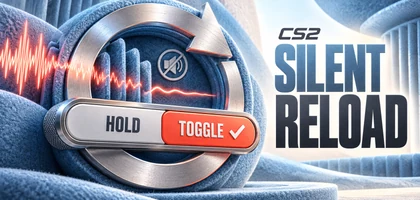
How to enable silent reload without holding the key
Set Silent Reload Mode to Toggle. Start a silent reload by holding your assigned reload key. Once the silent reload begins, release the key and it will continue.
Keep Hold selected if you prefer to hold the key throughout. The two options change how you control the action:
| Mode | How it works |
|---|---|
| Hold | Keep the reload key held during the silent reload. |
| Toggle | Release the key once the silent reload starts. Press it again to return to a fast reload. |
How to cancel a silent reload in Toggle mode
Press the reload key again. This cancels the silent reload and switches the weapon back to a fast reload.
Why a silent reload still takes longer
Silent reloading was already available in CS2. It lets you reload without making a sound, at the cost of taking longer than a normal reload. Toggle removes the need to keep the key held; you still choose between silence and speed.
Other fixes in the October 28 CS2 update
Valve fixed cases where the first reload sound could still be heard even when the player requested a silent reload.
The patch also fixes liquids appearing black on AMD graphics cards and some audio and interface bugs when rewinding demos.
Source: Valve.
← All news